
AI 和 LLMs
将 AI 功能集成到 Fumadocs。
大型语言模型文档
您可以使用专为大型语言模型准备的文档内容,使您的文档站点更具 AI 友好性。
首先,创建一个 getLLMText 函数,将页面转换为静态 MDX 内容。
这是 Fumadocs MDX 的示例:
import { source } from '@/lib/source';
import type { InferPageType } from 'fumadocs-core/source';

export async function getLLMText(page: InferPageType<typeof source>) {
  const processed = await page.data.getText('processed');

  return `# ${page.data.title}
URL: ${page.url}

${processed}`;
}
它需要启用 includeProcessedMarkdown:
import { defineDocs } from 'fumadocs-mdx/config';

export const docs = defineDocs({
  docs: {
    postprocess: {
      includeProcessedMarkdown: true,
    },
  },
});
llms-full.txt
供 AI 阅读的文档版本。
import { source } from '@/lib/source';
import { getLLMText } from '@/lib/get-llm-text';

// cached forever
export const revalidate = false;

export async function GET() {
  const scan = source.getPages().map(getLLMText);
  const scanned = await Promise.all(scan);

  return new Response(scanned.join('\n\n'));
}
*.mdx
允许用户在页面后追加 .mdx 以获取其 Markdown/MDX 内容。
在 Next.js 上,您可以创建一个路由处理程序来返回页面内容,并将用户重定向到该路由。
import { type NextRequest, NextResponse } from 'next/server';
import { getLLMText } from '@/lib/get-llm-text';
import { source } from '@/lib/source';
import { notFound } from 'next/navigation';

export const revalidate = false;

export async function GET(
  _req: NextRequest,
  { params }: { params: Promise<{ slug?: string[] }> },
) {
  const { slug } = await params;
  const page = source.getPage(slug);
  if (!page) notFound();

  return new NextResponse(await getLLMText(page));
}

export function generateStaticParams() {
  return source.generateParams();
}
页面操作
AI 的常见页面操作,需要先实现 *.mdx。
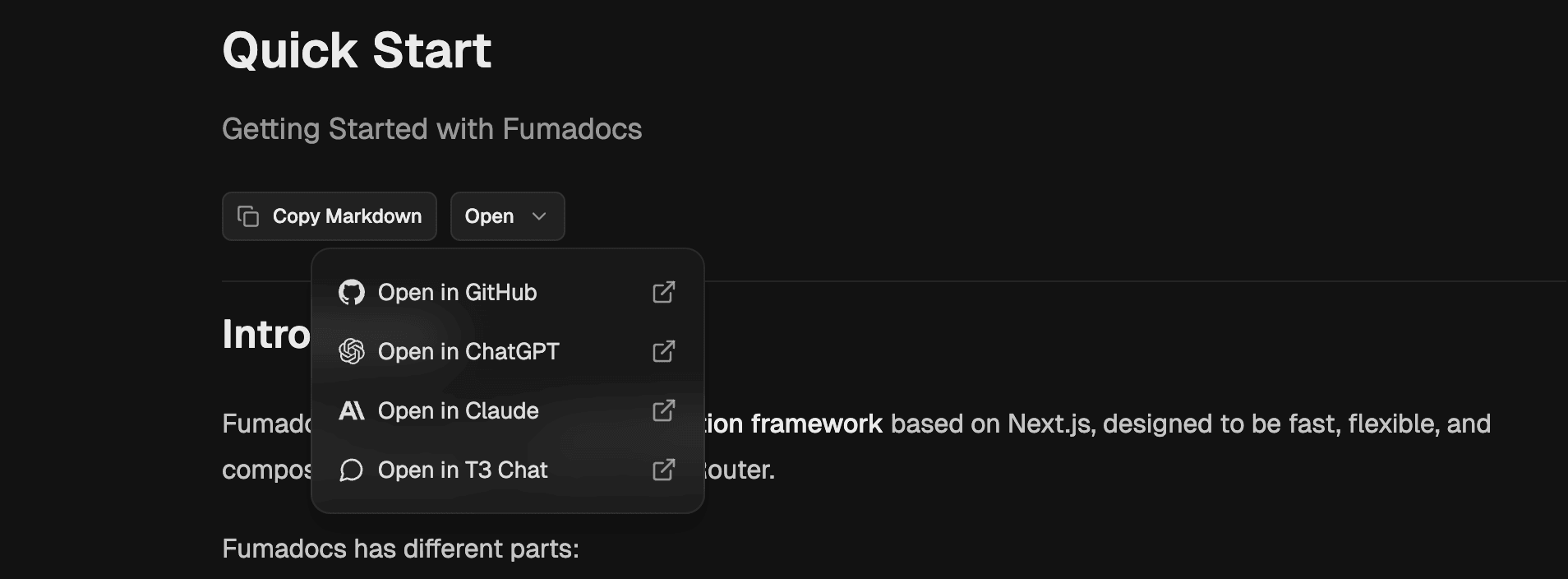
npx @fumadocs/cli add ai/page-actions在您的文档页面中使用它:
<div className="flex flex-row gap-2 items-center border-b pt-2 pb-6">
  <LLMCopyButton markdownUrl={`${page.url}.mdx`} />
  <ViewOptions
    markdownUrl={`${page.url}.mdx`}
    githubUrl={`https://github.com/${owner}/${repo}/blob/dev/apps/docs/content/docs/${page.path}`}
  />
</div>
AI 搜索
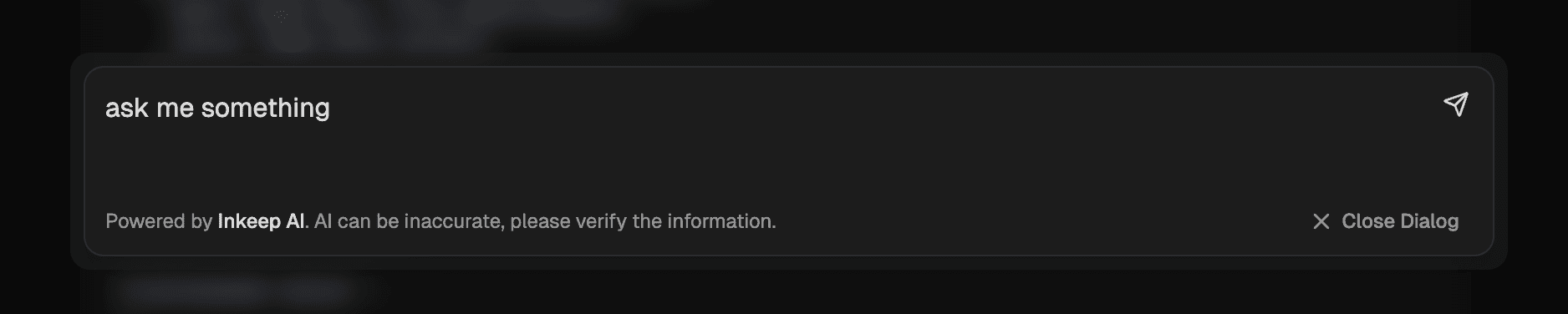
您可以使用 Fumadocs CLI 安装 AI 搜索对话框:
npx @fumadocs/cli add ai/search默认情况下,它配置为 Inkeep AI。由于它通过 Vercel AI SDK 连接,您可以轻松连接到自己的 AI 模型。
请注意,Fumadocs 不提供 AI 模型,这取决于您。
How is this guide?
Last updated on